Site Builder overview
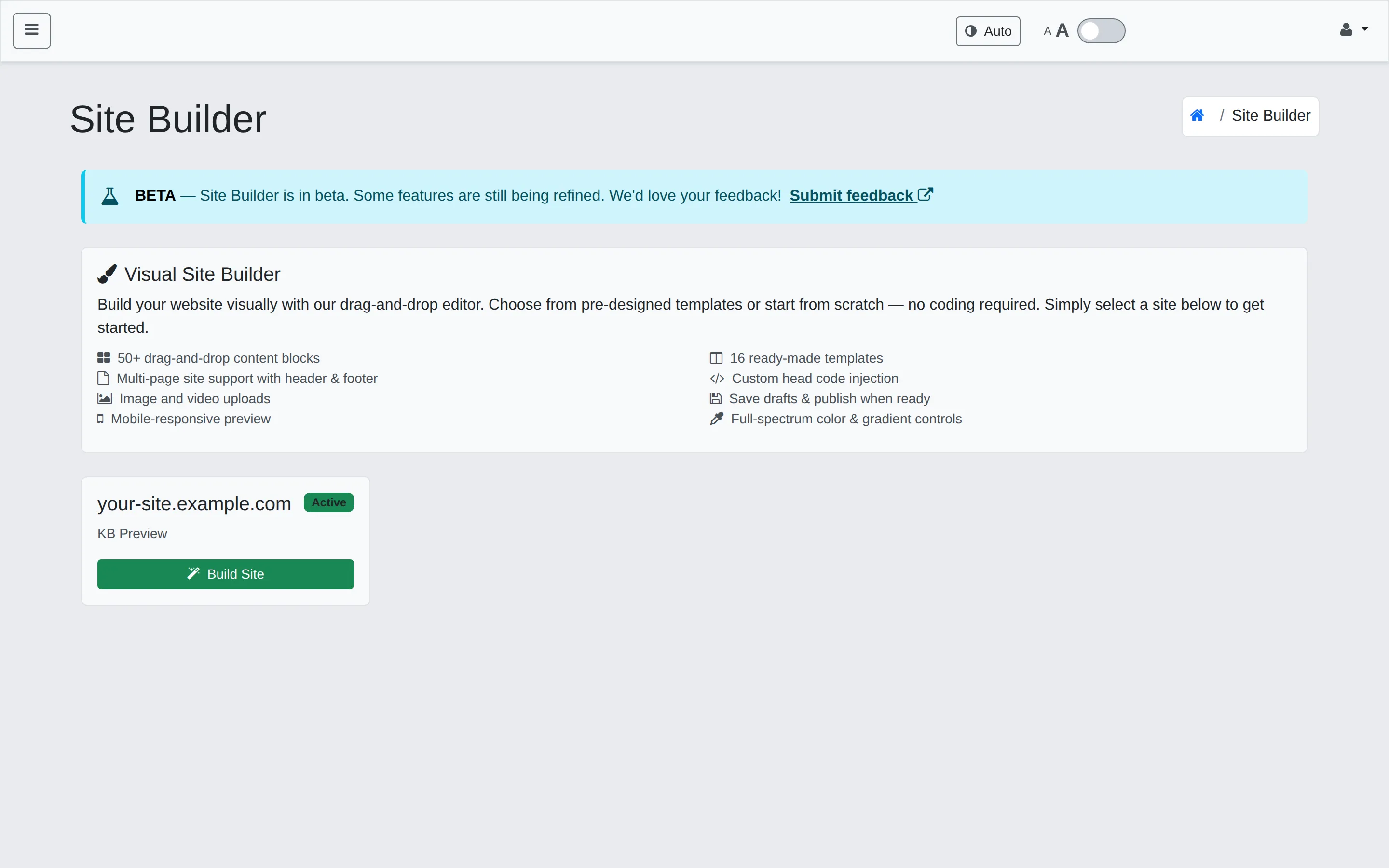
Beta feature. Site Builder is in active development. Some controls are still being refined and templates are being expanded. We’d love your feedback — use the Submit feedback link in the Site Builder header.
Site Builder is a visual editor that lives inside WHP. You don’t need to know HTML or CSS to use it — drag content blocks onto a page, tweak text and colours in place, and click Publish when you’re ready. It builds a real static website that’s hosted on the WHP site you point it at, so the published output is fast and works exactly like any other site you’d host with us.
What you get
Section titled “What you get”- 50+ drag-and-drop content blocks across Basic, Layout, Sections, Media, and Forms categories.
- 16 ready-made templates — restaurant, small business, SaaS landing, agency, medical/dental, portfolio, photography, content creator, event/conference, and more.
- Multi-page sites with a shared header and footer that update everywhere at once.
- Image and video uploads managed in the Assets panel.
- Mobile-responsive preview — desktop, tablet, and mobile views from one toggle.
- Site Design Tokens — set your primary, secondary, and accent colours plus heading and body fonts once, and they apply across every block on the site.
- Custom head code injection for analytics, custom fonts, or global CSS.
- Save drafts & publish when ready — your edits don’t go live until you click Publish.
When Site Builder is the right tool
Section titled “When Site Builder is the right tool”- You want a landing page, marketing site, or small multi-page brochure.
- You don’t want to touch HTML/CSS, but you want more flexibility than a one-size template.
- You want to ship a draft to a colleague for review before it goes live.
When it isn’t
Section titled “When it isn’t”- You’re running a CMS (WordPress, Drupal, etc.) — those run as regular WHP sites of their own, not inside Site Builder.
- You need server-side dynamic behaviour beyond simple forms — Site Builder produces static pages.
- You already have a build pipeline (Astro, Hugo, Next.js static export) — keep using that; just deploy the output to a regular WHP site.
In this section
Section titled “In this section”- Getting started — open the editor, pick a template or start blank, make your first edit, save and publish.
- Blocks & pages — the block library, adding pages, editing the shared header and footer.
- Styling your site — Site Design Tokens, fonts, advanced styling controls.
- Publishing & code injection — drafts vs. publish, the device previews, adding custom
<head>code.
Still stuck?
Section titled “Still stuck?”Still stuck? Open a support ticket and our team will help.