Publishing & code injection
Beta feature. Site Builder is in active development. Some controls are still being refined and templates are being expanded. We’d love your feedback — use the Submit feedback link in the Site Builder header.
Drafts vs. publish
Section titled “Drafts vs. publish”Site Builder separates “save my edits” from “make these edits live.”
- Save stores your edits as a draft on the server. You can close the editor and come back; your work is preserved. The live site doesn’t change.
- Publish renders the site, writes the resulting HTML and assets to the site’s docroot, and serves it to visitors on the next request.
The two buttons are in the top right of the editor.
Preview before publishing
Section titled “Preview before publishing”Two previews are available, both without affecting the live site:
- Inline preview — the desktop/tablet/mobile toggle on the top bar swaps the canvas viewport so you can see how the page reflows.
- Full-window preview — click Preview at the top to see your draft rendered without the editor chrome. Use this to read the page like a visitor.
If you want to share a preview with someone outside your account, save the draft, then publish to a staging site (a separate WHP site you keep around for review).
Custom head code
Section titled “Custom head code”The Code button at the top of the editor opens a modal where you can paste content into the <head> of every page on the site.
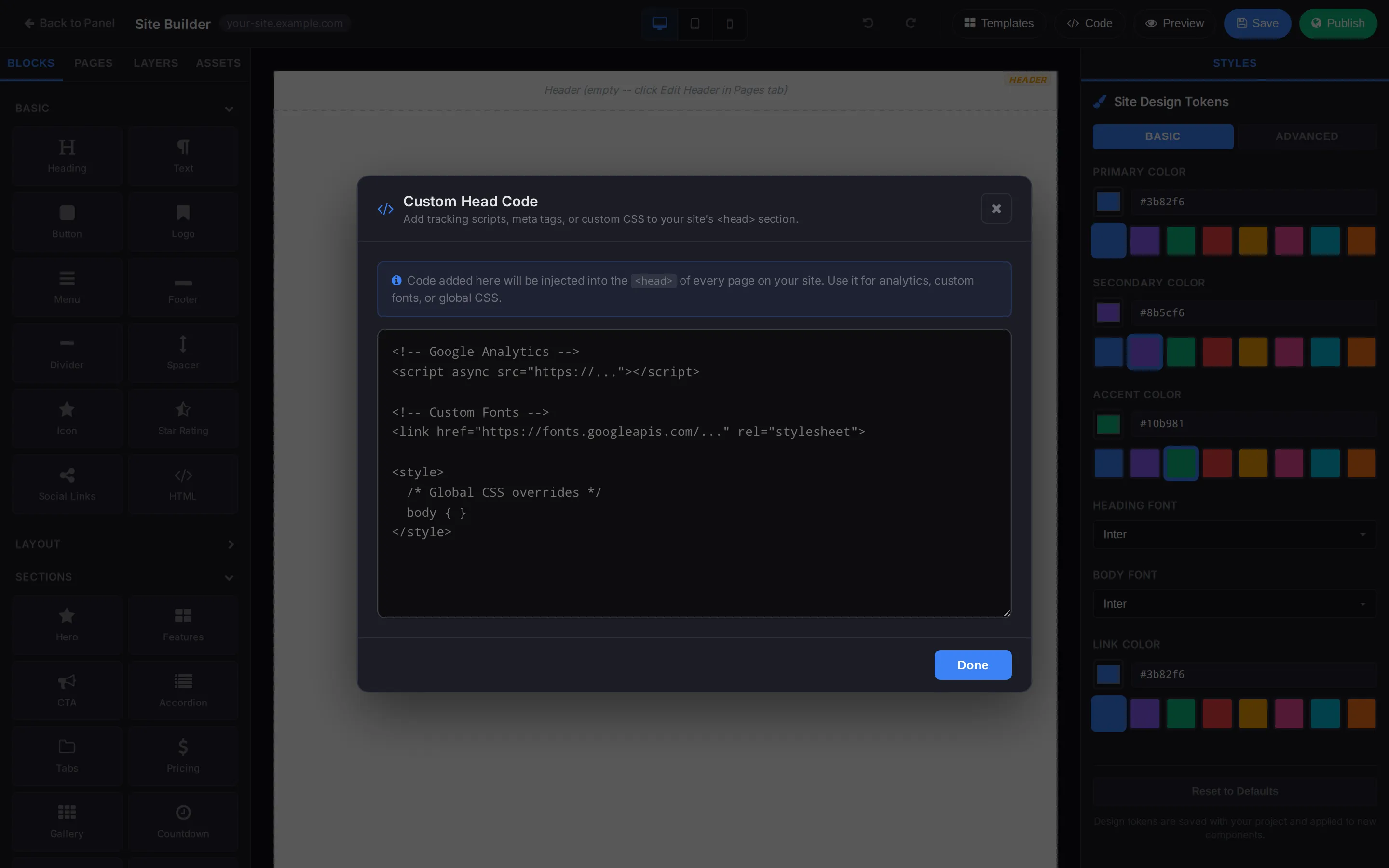
Common uses:
- Google Analytics, Plausible, Fathom, or other analytics — paste the tracking snippet they give you.
- Custom fonts —
<link>tags pointing at Google Fonts, Fontsource, or your own hosted font. - Global CSS overrides — inline
<style>blocks for tweaks the Styles panel can’t reach. - Verification tags —
<meta>tags for Google Search Console, Bing Webmaster, etc.
Click Done to close the modal. The code is injected on the next publish.
Undo / redo
Section titled “Undo / redo”The two arrows in the top toolbar (left of Templates) walk your edit history backwards and forwards. They cover the current editing session — once you close the editor and come back, the undo stack resets.
Reverting a published version
Section titled “Reverting a published version”Site Builder writes a clean copy on each publish, so there’s no built-in “rollback” button. If you publish a version you regret:
- Make the corrective edits and publish again — usually the fastest fix.
- For more serious mistakes, restore from a WHP backup. The site’s domain folder is included in your scheduled site backups.
Submitting feedback
Section titled “Submitting feedback”Site Builder is in beta. The top bar has a Submit feedback link — please use it for anything weird, missing, or broken. The team reads every report.
Related
Section titled “Related”Still stuck?
Section titled “Still stuck?”Still stuck? Open a support ticket and our team will help.